LaTeX Table with Merged Cells
Merge cells visually and copy the multicolumn and multirow code.
Free · Runs in your browser · Your text is never uploaded
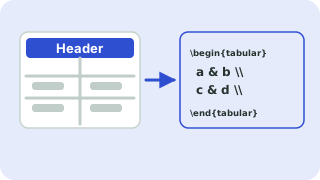
Paste from Excel, Google Sheets, CSV or a Markdown table
Tip: click a cell, then use the buttons. Press Enter to move down. You can paste a block of cells into any cell.
Preview
Merging cells in LaTeX
Merging columns uses \multicolumn{n}{align}{text}, which is part of standard LaTeX. Merging rows uses \multirow{n}{*}{text} from the multirow package. Writing both by hand, especially with borders, is fiddly. Here you click a cell and press Merge right or Merge down, and the code and preview update.
With the “All borders” style, the generator uses \cline so horizontal lines stop at merged cells instead of cutting through them. Add \usepackage{multirow} to your preamble.
Need more options? Open the full LaTeX Table Generator.
Related guides
Frequently asked questions
How do I merge cells in a LaTeX table?
Use \multicolumn for columns and \multirow for rows, or click Merge right and Merge down in the generator.
Which package provides \multirow?
The multirow package: \usepackage{multirow}.
Why do my borders look wrong with merged rows?
Use \cline{a-b} for partial lines, which this generator creates automatically.
Related tools
- LaTeX Table GeneratorBuild a table in your browser and copy the LaTeX code
- CSV to LaTeX Table ConverterConvert CSV to LaTeX table code
- Excel to LaTeX Table ConverterConvert Excel tables to LaTeX
- Booktabs Table GeneratorCreate booktabs-style tables
- LaTeX Table with BordersCreate bordered LaTeX tables
- Markdown Table to LaTeX ConverterConvert Markdown tables to LaTeX
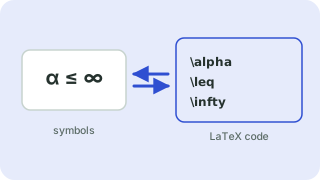 Symbols to LaTeX ConverterTurn symbols like α, ≤ and → into LaTeX code, and back
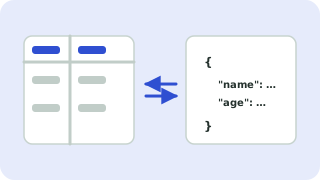 CSV ↔ JSON ConverterConvert CSV to JSON and JSON to CSV