LaTeX Table with Borders
Create a table with a full grid of borders.
Free · Runs in your browser · Your text is never uploaded
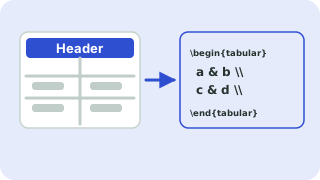
Paste from Excel, Google Sheets, CSV or a Markdown table
Tip: click a cell, then use the buttons. Press Enter to move down. You can paste a block of cells into any cell.
Preview
Borders in plain LaTeX
A full grid needs only standard LaTeX. Vertical lines come from the column specification, for example {|l|r|r|}, and horizontal lines from \hline after each row. No package is needed, which makes this style a good choice for quick documents and forms.
For publication-quality tables, many authors prefer the booktabs style with fewer lines. You can switch styles with one click and compare in the preview.
Need more options? Open the full LaTeX Table Generator.
Related guides
Frequently asked questions
How do I add borders to a LaTeX table?
Put | between the columns in the tabular argument and \hline after each row.
Why is there no line between some rows?
You need an \hline after every row. The generator adds them for you.
Can I have borders only around the outside?
Use the header-lines style or edit the code after copying.
Related tools
- LaTeX Table GeneratorBuild a table in your browser and copy the LaTeX code
- CSV to LaTeX Table ConverterConvert CSV to LaTeX table code
- Excel to LaTeX Table ConverterConvert Excel tables to LaTeX
- LaTeX Table with Merged CellsBuild tables with multicolumn and multirow
- Booktabs Table GeneratorCreate booktabs-style tables
- Markdown Table to LaTeX ConverterConvert Markdown tables to LaTeX
 Symbols to LaTeX ConverterTurn symbols like α, ≤ and → into LaTeX code, and back
 CSV ↔ JSON ConverterConvert CSV to JSON and JSON to CSV