Booktabs Table Generator
Create a professional table with booktabs rules.
Free · Runs in your browser · Your text is never uploaded
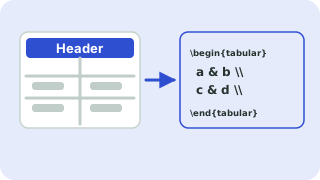
Paste from Excel, Google Sheets, CSV or a Markdown table
Tip: click a cell, then use the buttons. Press Enter to move down. You can paste a block of cells into any cell.
Preview
Why booktabs
The booktabs package replaces \hline with three rules, \toprule, \midrule and \bottomrule, and adds proper spacing above and below them. The result looks like a table in a published journal. Typographers advise against vertical lines and a full grid, and booktabs follows that advice.
Add \usepackage{booktabs} to your preamble. Use a caption and a label, so you can reference the table in the text with \ref{tab:comparison}.
Need more options? Open the full LaTeX Table Generator.
Related guides
Frequently asked questions
What do toprule, midrule and bottomrule do?
They draw the top, middle (under the header) and bottom rules with better spacing than \hline.
Do I need a package for booktabs?
Yes: \usepackage{booktabs}.
Can I use booktabs with vertical lines?
It is discouraged. Choose the All borders style if you need vertical lines.
Related tools
- LaTeX Table GeneratorBuild a table in your browser and copy the LaTeX code
- CSV to LaTeX Table ConverterConvert CSV to LaTeX table code
- Excel to LaTeX Table ConverterConvert Excel tables to LaTeX
- LaTeX Table with Merged CellsBuild tables with multicolumn and multirow
- LaTeX Table with BordersCreate bordered LaTeX tables
- Markdown Table to LaTeX ConverterConvert Markdown tables to LaTeX
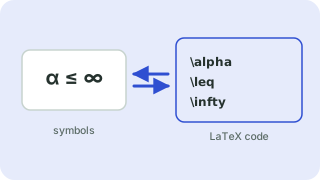 Symbols to LaTeX ConverterTurn symbols like α, ≤ and → into LaTeX code, and back
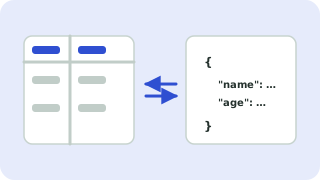 CSV ↔ JSON ConverterConvert CSV to JSON and JSON to CSV