 InstantToolDeck
Image Compressor
Drop your images to shrink them. Everything happens on your device, so your photos are never uploaded.
Free · Runs in your browser · Your files are never uploaded
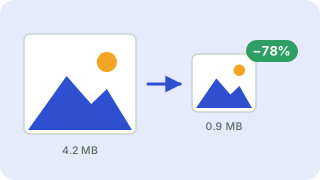
Your files are processed in your browser and are never uploaded.
How image compression works here
Your browser decodes each image, redraws it on a canvas and re-encodes it. JPG and WebP are lossy formats: lowering quality discards detail the eye barely notices and can shrink a photo by 60–90%. PNG is lossless, so a PNG stays PNG with identical pixels. That is perfect for logos and screenshots but means it only shrinks if you also reduce its dimensions. For big savings on a PNG photograph, convert it to WebP or JPG. If the result would be larger than your original, the tool keeps the original file.
Tips for smaller images
- Resize first. A 4000-pixel-wide photo is overkill for a web page; set a maximum width of 1600–2000 px.
- Use WebP for the web: usually 25–35% smaller than JPG at similar quality and supported by all modern browsers.
- Hit a size limit: enter a target such as 100 KB and the tool searches for the highest quality that fits, shrinking the dimensions slightly if it must.
- Quality 70–80 is usually indistinguishable from the original at normal viewing size.
Transparency is kept for PNG and WebP; when converting to JPG, transparent areas become white. Photo metadata (EXIF, location) is removed by re-encoding.
Popular image compressor presets
Frequently asked questions
Are my images uploaded to a server?
No. Compression runs in your browser using your device’s own image engine, so your photos never leave your computer or phone.
How do I compress an image to a specific size like 100 KB?
Enter the number in “Target size in KB”. The tool tries different quality levels (and, if needed, slightly smaller dimensions) to get under the limit.
Why didn’t my PNG get smaller?
PNG is lossless, so recompressing keeps the same pixels. Reduce the maximum width or choose WebP or JPG output for much smaller files.
Does compression remove EXIF and location data?
Yes. Images are re-encoded from pixels, which drops camera and GPS metadata.
How many images can I compress at once?
Up to 5 at a time. Each compressed image has its own download button.
Related tools
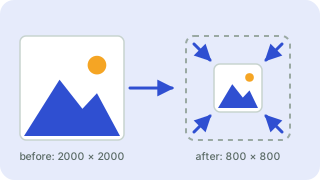 Image ResizerResize images to exact pixels or a percentage
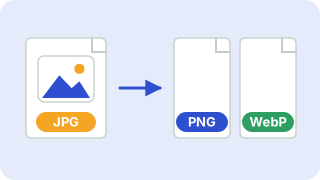 Image ConverterConvert between PNG, JPG and WebP
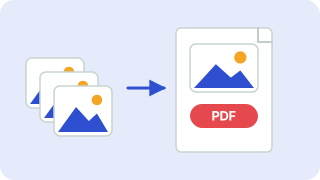 Image to PDFCombine JPG and PNG images into one PDF
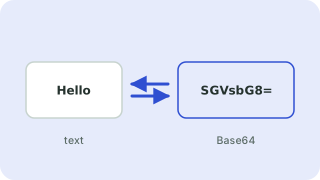 Base64 Encoder & DecoderEncode text to Base64 and decode it back
- Compress JPEG ImagesMake JPG photos smaller
- Compress PNG ImagesReduce PNG file size
- Compress WebP ImagesCompress and convert images as WebP
- Compress Image to 50 KBReduce images to under 50 KB