 InstantToolDeck
Compress WebP Images
Drop images to compress them as WebP. Files stay on your device.
Free · Runs in your browser · Your files are never uploaded

Your files are processed in your browser and are never uploaded.
Smaller files with WebP
WebP is a modern image format from Google that is typically 25–35% smaller than JPG at comparable quality and supports transparency like PNG. It is supported by every current browser, which makes it a good default for websites and speeds up page loads, a factor in search rankings.
Drop in WebP, JPG or PNG files and they are saved as WebP at the quality you choose. Some email clients, older software and print services may not accept WebP, so use JPG or PNG there.
Need more options? Open the full Image Compressor.
Frequently asked questions
Is WebP smaller than JPG?
Usually by 25–35% at similar visual quality.
Do all browsers support WebP?
Yes, all current versions of Chrome, Edge, Firefox and Safari do.
Can I convert JPG to WebP here?
Yes. Choose WebP output and drop your JPG files.
Related tools
- Image CompressorReduce image file size without uploading
- Compress JPEG ImagesMake JPG photos smaller
- Compress PNG ImagesReduce PNG file size
- Compress Image to 50 KBReduce images to under 50 KB
- Compress Image to 100 KBReduce images to under 100 KB
- Compress Image to 200 KBReduce images to under 200 KB
 Image ResizerResize images to exact pixels or a percentage
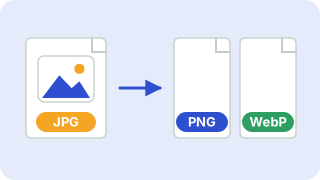 Image ConverterConvert between PNG, JPG and WebP