 InstantToolDeck
Compress JPEG Images
Drop JPG photos to make them much smaller. Your files never leave your device.
Free · Runs in your browser · Your files are never uploaded
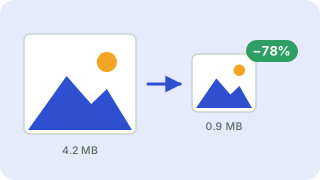
Your files are processed in your browser and are never uploaded.
Shrinking JPEG photos
JPEG compression trades tiny, hard-to-see detail for much smaller files. A 5 MB phone photo often becomes 500–800 KB at quality 75 with no visible difference at normal viewing size. Reducing the maximum width, for example to 1920 px, saves even more because phone photos are usually far larger than any screen needs.
Each re-save of a JPEG loses a little quality, so keep your originals and compress copies once.
Need more options? Open the full Image Compressor.
Frequently asked questions
How do I reduce the size of a JPG?
Drop the photo, keep quality around 70–80 and optionally set a maximum width. Download the smaller file.
What JPEG quality should I use?
70–80 for web photos, 85–90 when quality matters most.
Will my JPG lose quality?
A little, but at 70–80 it is rarely visible. Always keep the original.
Related tools
- Image CompressorReduce image file size without uploading
- Compress PNG ImagesReduce PNG file size
- Compress WebP ImagesCompress and convert images as WebP
- Compress Image to 50 KBReduce images to under 50 KB
- Compress Image to 100 KBReduce images to under 100 KB
- Compress Image to 200 KBReduce images to under 200 KB
 Image ResizerResize images to exact pixels or a percentage
 Image ConverterConvert between PNG, JPG and WebP