WebP to PDF Converter
Add WebP images and download them as one PDF.
Free · Runs in your browser · Your files are never uploaded
Your files are processed in your browser and are never uploaded.
WebP to PDF
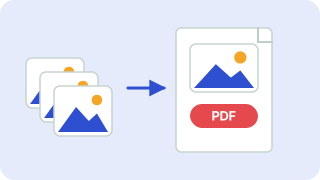
Images saved from websites are often WebP, which many printers and document systems reject. Converting them to a PDF makes them easy to print, email or attach. Each image becomes a page and you can reorder them before downloading. Your photo is processed in your browser and is never uploaded.
From WebP to PDF
The image is placed on a PDF page at its original proportions. Use PDF when a form or email requires a document and does not accept WebP images.
Good to know
Large images may be scaled to fit the page. Combine several WebP files into one PDF by converting them and merging with the Merge PDF tool.
Need more options? Open the full Image to PDF.
Related guides
Frequently asked questions
How do I convert WebP to PDF?
Add your WebP files, choose the page size and press Download PDF.
Can I combine several WebP files?
Yes. Each becomes a page in one PDF.
Is it uploaded?
No, the PDF is built in your browser.
Related tools
- Image to PDFCombine JPG and PNG images into one PDF
- JPG to PDF ConverterConvert JPG photos to PDF
- PNG to PDF ConverterConvert PNG images to PDF
 Image CompressorReduce image file size without uploading
 Image ResizerResize images to exact pixels or a percentage
 Image ConverterConvert between PNG, JPG and WebP