Merge PDF Files
Add two or more PDFs, put them in the order you want and download a single merged file. Your documents never leave your device.
Free · Runs in your browser · Your files are never uploaded
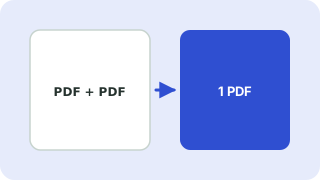
Your files are processed in your browser and are never uploaded.
How to merge PDFs
- Click the box or drop your PDF files onto it.
- Use the ↑ and ↓ buttons to set the order. The first file becomes the first pages.
- Press Merge PDFs. The combined file downloads as
merged.pdf.
Why merging in the browser is safer
Contracts, invoices and ID scans are exactly the documents you should not upload to a random server. This tool combines the pages on your own device using the open-source pdf-lib library, so the files are never sent anywhere.
Good to know
- Page sizes are kept as they are. A mix of A4 and Letter pages stays mixed.
- Password-protected PDFs cannot be merged. Remove the password in the app you created it with first.
- Form fields, bookmarks and attachments in the source files may not be carried over. Merging keeps the page content.
- Very large files use your device memory, so merge hundreds of megabytes in smaller batches.
Your files are processed entirely in your browser. Nothing is uploaded to a server, which you can confirm in your browser's Network tab.
Related guides
Popular merge pdf files presets
Frequently asked questions
How do I combine PDF files into one?
Add the files, arrange the order with the arrow buttons and press Merge PDFs. The merged file downloads automatically.
Is it safe to merge confidential PDFs here?
Yes. Merging happens in your browser and the files are not uploaded.
Is there a limit on files or pages?
No fixed limit. The practical limit is your device memory, so very large files may be slow.
Why can't I merge my PDF?
The most common reason is a password or encryption. Remove the protection first, or re-save the file as a new PDF.
Related tools
 Split PDF & Extract PagesExtract pages or split a PDF into separate files
 Rotate PDF PagesRotate all or selected PDF pages permanently
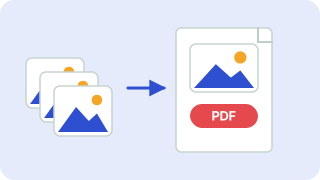 Image to PDFCombine JPG and PNG images into one PDF
 Delete PDF PagesRemove unwanted pages from a PDF
- Combine PDF FilesCombine several PDF files into one document in the order you choose
- Join PDF FilesJoin PDF files into a single document in your browser