 InstantToolDeck
Base64 Encode
Type or paste text to encode it as Base64.
Free · Runs in your browser · Your text is never uploaded
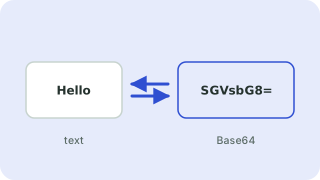
Encoding text as Base64
Base64 turns bytes into 64 safe, printable characters so binary or special-character data can travel through systems built for text: JSON fields, email, HTTP Basic authentication headers and data URIs. Every three bytes become four characters, so the output is about 33% larger than the input.
Emoji and accented letters are encoded as UTF-8 first. Tick URL-safe to replace + and / with - and _ and drop the padding, which is the form used in JWTs and URLs.
Need more options? Open the full Base64 Encoder & Decoder.
Frequently asked questions
How do I encode text in Base64?
Paste the text above with “Encode” selected. The Base64 output appears immediately.
Why is Base64 output larger than the input?
Three bytes of input become four characters of output, so it is roughly one third larger.
Is Base64 a way to protect data?
No. It is only an encoding and can be decoded by anyone.
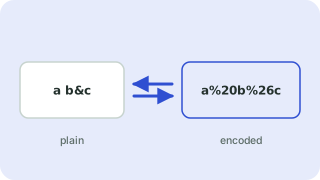 URL Encoder & Decoder
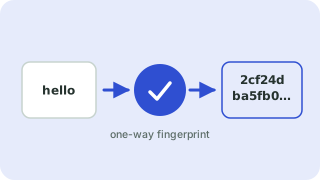 Hash Generator
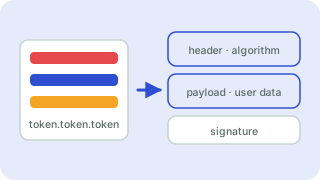 JWT Decoder