 InstantToolDeck
Base64 Decode
Paste a Base64 string to decode it to text.
Free · Runs in your browser · Your text is never uploaded
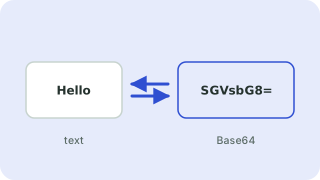
Decoding Base64
Paste a Base64 string and the decoded text appears instantly. Line breaks and spaces are ignored, URL-safe characters (- and _) are accepted, and missing = padding is added for you.
If the decoded bytes are not valid UTF-8 text (for example an image or a zip file that was Base64-encoded), the tool says so instead of printing unreadable characters. Strings that are not Base64 at all are reported with the reason.
Need more options? Open the full Base64 Encoder & Decoder.
Frequently asked questions
How do I decode a Base64 string?
Paste it above with “Decode” selected and the original text is shown.
Why does decoding say the data is binary?
The Base64 holds non-text bytes such as an image or file, which cannot be displayed as text.
Does it handle URL-safe Base64?
Yes, including strings without padding, like the parts of a JWT.
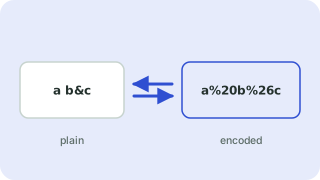 URL Encoder & Decoder
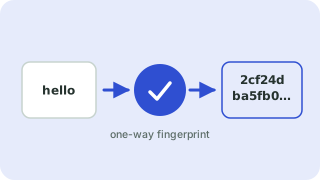 Hash Generator
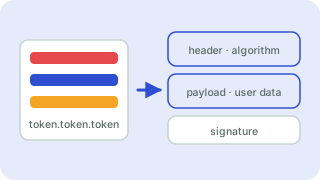 JWT Decoder