YAML ⇄ JSON Converter
Switch between YAML and JSON in one click. Useful for Kubernetes manifests, GitHub Actions, Docker Compose and API configs.
Free · Runs in your browser · Your text is never uploaded
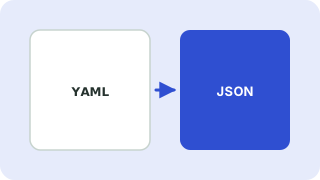
YAML and JSON compared
YAML and JSON describe the same kinds of data: objects, lists, strings, numbers, booleans and null. JSON is strict and quoted, which makes it easy for programs to read. YAML uses indentation instead of braces and allows comments, which makes it friendlier for configuration files that people edit by hand.
Common reasons to convert
- Checking what a Kubernetes or Docker Compose file really contains.
- Sending a config to an API that only accepts JSON.
- Turning a JSON response into a readable config file.
Things to watch
- YAML comments are lost when converting to JSON, because JSON has no comments.
- YAML is whitespace sensitive. Use spaces, never tabs.
- Unquoted values such as
yes,onor1.0can be read as booleans or numbers, so quote them when they should stay text.
Everything runs in your browser. Nothing you paste is uploaded, logged or stored, so it is safe to use with private data.
Related guides
Popular yaml ⇄ json converter presets
Frequently asked questions
How do I convert YAML to JSON?
Choose YAML → JSON, paste your YAML and copy the JSON result.
Why does my YAML show an error?
Most often a tab character, a wrong indentation level or a missing colon. The error message shows the line and column.
Are YAML comments kept?
No. JSON has no comment syntax, so comments are dropped when you convert to JSON.
Is it safe to paste a config with secrets?
Conversion happens in your browser and nothing is sent to a server. Still, avoid sharing real secrets anywhere you do not need to.
Related tools
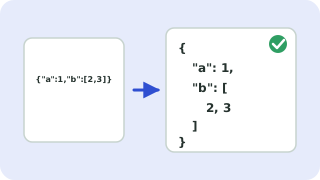 JSON Formatter & ValidatorFormat, minify and validate JSON
 JSON to TypeScript ConverterGenerate TypeScript interfaces from JSON
 JSON ⇄ XML ConverterConvert JSON to XML and XML to JSON
 CSV ↔ JSON ConverterConvert CSV to JSON and JSON to CSV
- YAML to JSON ConverterConvert YAML to JSON instantly and see the line and column of syntax errors
- JSON to YAML ConverterConvert JSON to clean, readable YAML in one click