URL Parser & Query String Decoder
Paste a URL to see each part separately and every query parameter decoded in a table.
Free · Runs in your browser · Your text is never uploaded
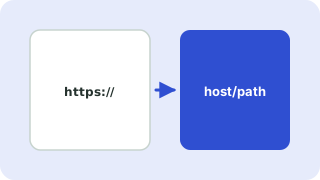
The parts of a URL
A URL such as https://example.com:8443/path?x=1#top has a protocol (https), a host (example.com), an optional port (8443), a path (/path), a query string (?x=1) made of name=value parameters, and a fragment (#top) that the browser uses to scroll to a section and never sends to the server.
Why parse URLs?
- Checking campaign tags such as
utm_sourceon a link. - Debugging redirects and OAuth callbacks.
- Reading percent-encoded values like
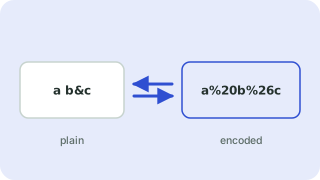
%20(space) or%26(&).
If you leave out the protocol, the tool assumes https://. To encode or decode a single piece of text, use the URL encoder.
Everything runs in your browser. Nothing you paste is uploaded, logged or stored, so it is safe to use with private data.
Related guides
Frequently asked questions
How do I get query parameters from a URL?
Paste the URL. Every parameter appears in the table with its decoded value.
What does %20 mean in a URL?
It is a space character written in percent-encoding. Plus signs in query strings also mean a space.
Is the fragment (#) sent to the server?
No. The fragment stays in the browser.
Does it follow redirects or visit the link?
No. It only reads the text you paste and never contacts the address.
 URL Encoder & Decoder
 User Agent Parser
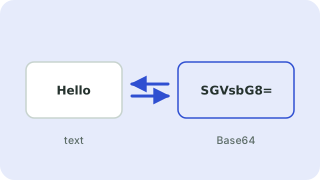 Base64 Encoder & Decoder
 Slug Generator