Remove Pages from a PDF
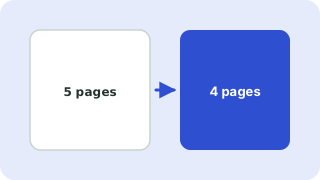
Type the pages to remove, such as 2, 5-7, and download the shortened PDF.
Free · Runs in your browser · Your files are never uploaded
Your files are processed in your browser and are never uploaded.
Removing blank or private pages
Delete a cover sheet, blank scan backs or a page with details you do not want to share. The remaining pages keep their order and quality.
Check before sending
Open the new file and confirm that the right pages are gone. Keep the original in case you need it.
Your files stay on your device
Everything happens in your browser. The files are never uploaded, so confidential documents stay private and the tool also works on a slow connection once the page has loaded.
Before deleting
Keep a copy of the original. Page numbers refer to the order in the file, which may differ from the printed numbers. After deleting, open the result to confirm the right pages are gone.
Need more options? Open the full Delete PDF Pages.
Related guides
Frequently asked questions
How do I delete the first page of a PDF?
Type 1 as the page to remove and press the button.
Can I remove the last page?
Yes. Type last, or its number.
 Split PDF & Extract Pages
 Merge PDF Files
 Rotate PDF Pages