Remove EXIF Data from Photos
Photos can carry your GPS location, camera model and date. Drop them here to see what is hidden inside, then remove it without re-compressing the image.
Free · Runs in your browser · Your files are never uploaded
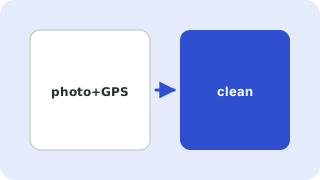
Your photos are processed in your browser and are never uploaded.
What is EXIF data?
EXIF is information that cameras and phones write inside every photo: the date and time, camera and lens model, exposure settings and, if location services were on, the exact GPS coordinates of where the picture was taken. Many social networks remove it when you upload, but email attachments, messaging apps that send original files, forums and file-sharing links often do not.
What this tool removes
- JPG: EXIF, XMP, IPTC/Photoshop data and comments.
- PNG: embedded EXIF, text chunks (author, software, description) and the modification time.
- WebP: EXIF and XMP chunks.
Lossless by design
Most tools re-draw the picture onto a canvas, which recompresses a JPG and lowers quality. This one edits the file structure directly: only the metadata blocks are cut out and the image data is copied byte for byte. The picture looks identical, and the file just gets a little smaller.
Before you share photos
- Check the summary under each photo. A red GPS location found means the file reveals where it was taken.
- Faces, street signs and landmarks in the picture can still identify a place. Metadata removal does not change what is visible.
- On your phone you can also turn off location for the camera app.
Your files are processed entirely in your browser. Nothing is uploaded to a server, which you can confirm in your browser's Network tab.
Related guides
Popular exif data remover presets
Frequently asked questions
How do I remove GPS location from a photo?
Drop the photo here and press Remove metadata. The cleaned photo downloads without GPS, camera or date information.
Does removing EXIF reduce image quality?
No. The image data is not touched. Only the metadata blocks are removed, so the picture is identical.
Why keep rotation?
Phones record how they were held in the metadata. If it is removed, some portrait photos display sideways. Untick the option to remove it as well.
Which formats work?
JPG, PNG and WebP. HEIC photos from iPhones need to be converted to JPG first.
Are my photos uploaded?
No. Reading and cleaning happen in your browser, and the files never leave your device.
Related tools
 Image CompressorReduce image file size without uploading
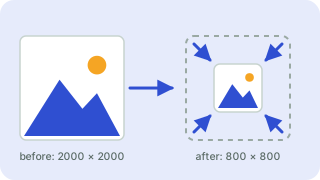 Image ResizerResize images to exact pixels or a percentage
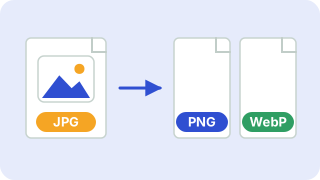 Image ConverterConvert between PNG, JPG and WebP
 Crop ImageCrop photos to any size or aspect ratio
- Remove GPS Location from PhotosCheck whether a photo contains GPS coordinates and remove them without losing image quality
- Remove EXIF from JPGStrip EXIF, XMP and IPTC metadata from JPG files without recompressing
- Remove Metadata from PNGRemove embedded EXIF, text chunks and timestamps from PNG files without changing the pixels