Remove EXIF from JPG
Drop JPG files and download copies with all metadata removed.
Free · Runs in your browser · Your files are never uploaded
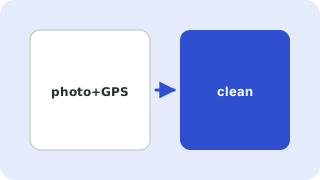
Your photos are processed in your browser and are never uploaded.
What is removed from a JPG
EXIF (camera, date, GPS), XMP (titles, edit history), IPTC and Photoshop blocks, and comments. Colour profile and the JPEG image data itself are kept.
Why not use a screenshot or re-save?
Re-saving recompresses the image and lowers quality each time. Editing the file structure keeps every pixel as it was.
Batch cleaning
Add many photos at once and download them together as a ZIP.
What JPG photos reveal
Photos can contain GPS coordinates, the camera model, date and time, and sometimes an embedded thumbnail. Removing the metadata before sharing prevents strangers learning where a picture was taken.
Need more options? Open the full EXIF Data Remover.
Related guides
Frequently asked questions
Does this reduce JPG quality?
No. The compressed image data is copied unchanged.
Can I keep the copyright field?
This tool removes all metadata. To keep copyright information, add it again in your editor afterwards.
Related tools
- EXIF Data RemoverStrip location and camera data from photos
- Remove GPS Location from PhotosCheck whether a photo contains GPS coordinates and remove them without losing image quality
- Remove Metadata from PNGRemove embedded EXIF, text chunks and timestamps from PNG files without changing the pixels
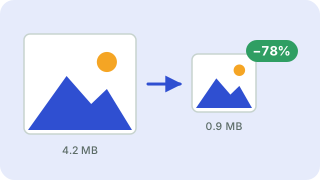 Image CompressorReduce image file size without uploading
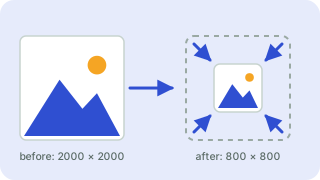 Image ResizerResize images to exact pixels or a percentage
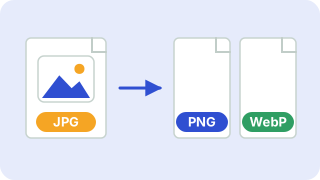 Image ConverterConvert between PNG, JPG and WebP