LaTeX Matrix Generator
Type or paste your matrix, choose the brackets and copy the LaTeX. Or generate an identity, zero or symbolic matrix of any size.
Free · Runs in your browser · Your text is never uploaded
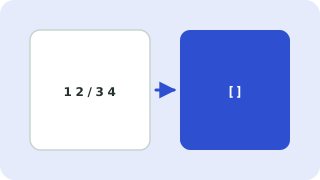
How to write a matrix in LaTeX
With the amsmath package a matrix is an environment: \begin{pmatrix} 1 & 2 \\ 3 & 4 \end{pmatrix}. Cells in a row are separated by & and rows end with \\. The environment name chooses the brackets.
| Environment | Brackets | Typical use |
|---|---|---|
pmatrix | ( ) | General matrices |
bmatrix | [ ] | General matrices, linear algebra texts |
Bmatrix | { } | Sets and special notation |
vmatrix | | | | Determinants |
Vmatrix | ‖ ‖ | Norms |
matrix | none | Layout inside your own delimiters |
smallmatrix | none | Tiny matrices inside a line of text |
Tips
- Paste cells copied from Excel or a CSV and the separators are detected automatically.
- Entries are written as maths, so you can use things like
a_{11},\frac{1}{2}orx^2. Type...for horizontal dots and:for vertical dots. - Augmented matrices (for systems of equations) use an
arraywith a vertical bar, since amsmath has no built-in augmented environment. The tool builds it for you. - Rows with fewer cells are padded with 0.
Your files are processed entirely in your browser. Nothing is uploaded to a server, which you can confirm in your browser's Network tab.
Related guides
Popular latex matrix generator presets
Frequently asked questions
How do I make a matrix in LaTeX?
Use \begin{pmatrix} … \end{pmatrix} with & between cells and \\ between rows. This generator writes it for you from your numbers.
What is the difference between pmatrix and bmatrix?
pmatrix draws round brackets and bmatrix draws square brackets. Both need the amsmath package.
How do I write an augmented matrix?
Tick the augmented option. The tool uses an array with a vertical bar before the last column.
How do I make an identity matrix?
Choose Identity matrix as the source and set the number of rows and columns.
Do I need a package?
Yes, matrix environments need \usepackage{amsmath} in your preamble.
Related tools
 LaTeX Equation EditorType LaTeX and see the equation render live
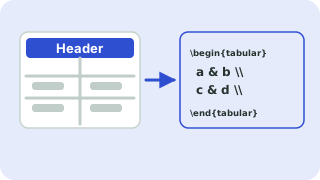 LaTeX Table GeneratorBuild a table in your browser and copy the LaTeX code
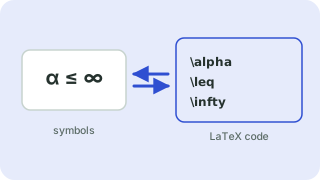 Symbols to LaTeX ConverterTurn symbols like α, ≤ and → into LaTeX code, and back
 CSV ↔ JSON ConverterConvert CSV to JSON and JSON to CSV
- Identity Matrix in LaTeXGenerate LaTeX code for an identity matrix of any size, with pmatrix or bmatrix brackets and a live preview.
- Augmented Matrix in LaTeXCreate an augmented matrix in LaTeX with a vertical line before the last column
- Determinant in LaTeXGenerate LaTeX for a determinant with vertical bars using the vmatrix environment