 InstantToolDeck
JSON Validator
Paste JSON to check whether it is valid and find the exact error.
Free · Runs in your browser · Your text is never uploaded
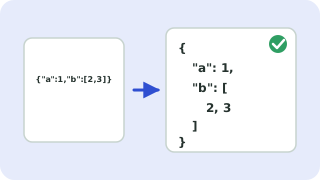
Finding JSON errors
The validator reads your JSON character by character and reports the first problem with its line and column. The most frequent mistakes are trailing commas, single-quoted strings, unquoted keys, comments, and a missing comma between items.
JSON is stricter than JavaScript object literals: only double quotes, no trailing commas, no comments, and no undefined, NaN or functions. If your data comes from a JavaScript object, use JSON.stringify to produce valid JSON.
Need more options? Open the full JSON Formatter & Validator.
Frequently asked questions
How do I check if JSON is valid?
Paste it above. You will see “Valid JSON” or the line and column of the first error.
Why is a trailing comma invalid in JSON?
The JSON specification does not allow it, even though JavaScript does.
Are comments allowed in JSON?
No. Use a separate field or a format such as JSONC or YAML if you need comments.
 CSV ↔ JSON Converter
 Base64 Encoder & Decoder
 Text Diff Checker