JavaScript Minifier
Paste JavaScript and get a smaller file.
Free · Runs in your browser · Your text is never uploaded
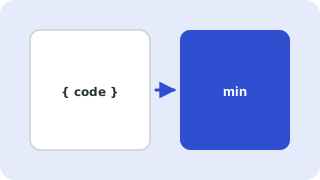
Safe whitespace minification
Comments and unneeded whitespace are removed. Strings, template literals and regular expressions are left untouched, and line breaks that matter for automatic semicolon insertion are kept.
What it does not do
It does not rename variables or rewrite code like Terser or esbuild. That means smaller savings but a very low risk of breaking anything.
Testing
Run your tests or open the page after replacing the file. Keep the original source for editing.
Whitespace minifying
This tool strips comments and unnecessary whitespace but does not rename variables, so the code stays easy to debug and behaves identically. For maximum savings, a build-time tool that also shortens identifiers can go further.
When to use it
Minifying small snippets by hand helps for bookmarklets, embeds and quick tests. For full applications, use a bundler that minifies at build time and produces source maps for debugging.
Need more options? Open the full HTML, CSS & JavaScript Minifier.
Related guides
Frequently asked questions
Why is the saving smaller than Terser?
Advanced minifiers shorten variable names. This tool deliberately does not.
Does it support modern syntax?
Whitespace and comment removal work for any syntax, including arrow functions and template literals.
Related tools
- HTML, CSS & JavaScript MinifierMinify HTML, CSS and JS to reduce file size
- CSS MinifierMinify CSS by removing comments and whitespace
- HTML MinifierMinify HTML by removing comments and extra whitespace, with inline CSS and JS compressed too
 SQL FormatterBeautify and indent SQL queries
 JSON Formatter & ValidatorFormat, minify and validate JSON
 Base64 Encoder & DecoderEncode text to Base64 and decode it back