Crop Image to 16:9
Crop to 16:9 widescreen for thumbnails, slides and banners.
Free · Runs in your browser · Your files are never uploaded
Your image is processed in your browser and is never uploaded.
Why 16:9
It is the standard shape for YouTube thumbnails, presentation slides, TVs and most monitors, so a 16:9 crop fits without borders.
Resolution
For a YouTube thumbnail aim for 1280×720 pixels or larger. If your crop is smaller, start from a higher-resolution original.
Next steps
After cropping, use the image resizer to set the exact size, and the compressor if the file is too large for upload.
The 16:9 ratio
16:9 is the standard widescreen ratio used by YouTube, TVs and most monitors, for example 1920×1080 or 1280×720. Cropping removes the edges to fit, while resizing changes the whole picture.
Need more options? Open the full Crop Image.
Related guides
Frequently asked questions
How do I crop to 16:9?
Select the 16:9 ratio, move the box and press Crop and download.
Can I crop vertically for Shorts?
Choose 9:16 instead.
Related tools
- Crop ImageCrop photos to any size or aspect ratio
- Crop Image to a SquareCrop any photo to a perfect square for profile pictures and posts
- Crop Image for InstagramCrop photos to Instagram-friendly shapes: square 1:1 or portrait 4:5
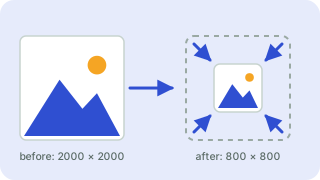 Image ResizerResize images to exact pixels or a percentage
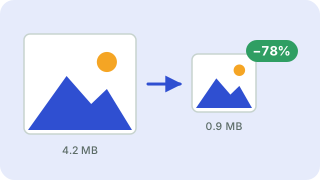 Image CompressorReduce image file size without uploading
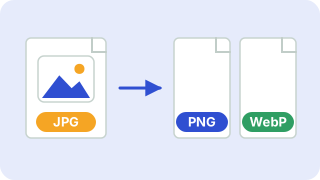 Image ConverterConvert between PNG, JPG and WebP