Crop Image for Instagram
Crop to the portrait 4:5 shape that takes up the most room in the feed.
Free · Runs in your browser · Your files are never uploaded
Your image is processed in your browser and is never uploaded.
Instagram shapes
Square posts use 1:1 and portrait posts use 4:5. Portrait fills more of the screen in the feed and is a popular choice. Stories and Reels use 9:16.
Avoiding automatic cropping
If a picture does not fit, the app crops it for you. Cropping yourself lets you decide what stays in the frame.
Platform changes
Platforms update their supported sizes from time to time, so check the current guidelines when it matters.
Need more options? Open the full Crop Image.
Related guides
Frequently asked questions
What is the best crop for Instagram?
4:5 portrait uses the most space in the feed; 1:1 is the safe all-round choice.
Does cropping reduce quality?
No. Quality only drops if you save as JPG at a low setting.
Related tools
- Crop ImageCrop photos to any size or aspect ratio
- Crop Image to a SquareCrop any photo to a perfect square for profile pictures and posts
- Crop Image to 16:9Crop an image to a 16:9 widescreen frame for YouTube thumbnails, slides and video covers
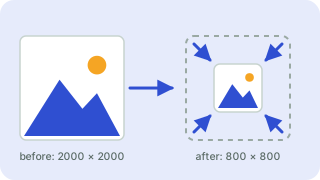 Image ResizerResize images to exact pixels or a percentage
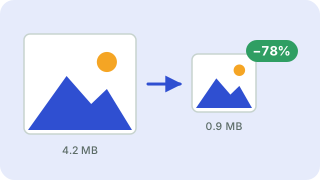 Image CompressorReduce image file size without uploading
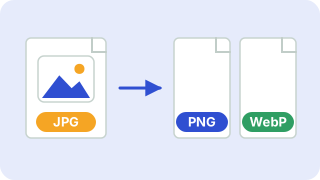 Image ConverterConvert between PNG, JPG and WebP