Easy to Type Password Generator
A random password with no symbols and no confusing characters.
Free · Runs in your browser · Your text is never uploaded
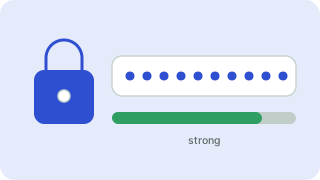
Passwords that are easy to type
Some systems reject symbols, and some passwords must be typed on a TV or read over the phone. This preset leaves out symbols and look-alike characters such as O, 0, l and 1. A longer password without symbols is still very strong, because length adds far more strength than special characters.
Simple but safe
A simple password uses letters and numbers without symbols, which is easier to type on a TV or game console. Make it longer to compensate: a random 14-character letter-and-number password is still very hard to guess.
Using it well
Store generated passwords in a password manager instead of reusing them. Turn on two-factor authentication for important accounts, which protects you even if a password leaks.
Need more options? Open the full Password Generator.
Related guides
Frequently asked questions
Is a password without symbols safe?
Yes, if it is long and random. 14 random letters and digits are very hard to guess.
Why avoid look-alike characters?
Characters like O and 0 are easily confused when typing or reading aloud.
Is it stored?
No. It is generated in your browser.
Related tools
- Password GeneratorCreate strong random passwords
- Random PIN GeneratorGenerate random PIN codes
- Wi-Fi Password GeneratorGenerate a strong Wi-Fi password
- Strong Password GeneratorGenerate a strong password
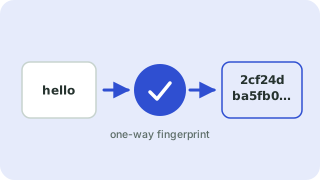 Hash GeneratorMD5, SHA-1, SHA-256 and SHA-512 hashes
 UUID GeneratorGenerate random UUID v4 and v7 values
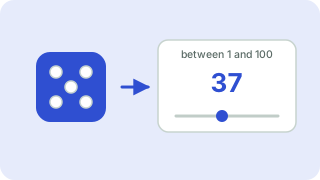 Random Number GeneratorPick random numbers in any range