JSON to XML Converter
Paste JSON and get well-formed XML.
Free · Runs in your browser · Your text is never uploaded
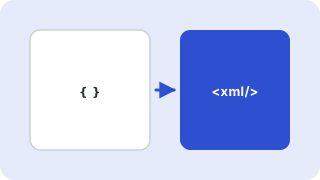
Rules used
Each key becomes an element. Arrays repeat the element. Keys starting with @ become attributes and #text sets element text. Characters such as & and < are escaped.
The root element
XML needs exactly one root. If your JSON has a single top-level key, that key becomes the root; otherwise the root name you choose wraps the data.
Your files stay on your device
Everything happens in your browser. The files are never uploaded, so confidential documents stay private and the tool also works on a slow connection once the page has loaded.
Mapping rules
Object keys become element names and arrays become repeated elements. XML has no native number or boolean types, and key names must start with a letter or underscore, so some JSON keys need to be renamed. See JSON, YAML and XML compared.
Need more options? Open the full JSON ⇄ XML Converter.
Related guides
Frequently asked questions
How do I add attributes?
Prefix the key with @, for example "@id": "1".
Can I add the XML declaration?
Yes. Tick Add XML declaration.
Related tools
- JSON ⇄ XML ConverterConvert JSON to XML and XML to JSON
- XML to JSON ConverterConvert XML to JSON with attributes and repeated elements handled
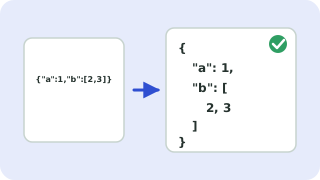 JSON Formatter & ValidatorFormat, minify and validate JSON
 YAML ⇄ JSON ConverterConvert YAML to JSON and JSON to YAML
 JSON to TypeScript ConverterGenerate TypeScript interfaces from JSON