Escape Special Characters for LaTeX
Paste text to escape the characters LaTeX reserves.
Free · Runs in your browser · Your text is never uploaded
Characters LaTeX treats specially
Ten characters have a special meaning in LaTeX and must be escaped in normal text: & (column separator), % (comment), $ (math), # (parameter), _ (subscript), { and } (grouping), ~ (non-breaking space), ^ (superscript) and \ (command). Pasting text that contains them usually causes errors such as “Missing $ inserted” or “Misplaced alignment tab character &”.
This tool writes \&, \%, \$, \#, \_, \{, \}, \textasciitilde{}, \textasciicircum{} and \textbackslash{}.
Need more options? Open the full Symbols to LaTeX Converter.
Related guides
Frequently asked questions
Why does % break my LaTeX document?
A percent sign starts a comment, so the rest of the line is ignored. Write \% instead.
How do I write an underscore in LaTeX text?
Use \_ in text mode. A bare underscore is only valid in math mode.
Can I escape text that contains math?
Escaping would also escape your math characters. Turn the option off for text that already contains LaTeX.
Related tools
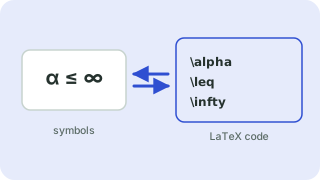
- Symbols to LaTeX ConverterTurn symbols like α, ≤ and → into LaTeX code, and back
- Greek Letters to LaTeXPaste Greek letters and get the LaTeX commands (α is \alpha, Ω is \Omega)
- Math Symbols to LaTeXConvert math symbols such as ≤, ≠, ∑, ∫ and ∞ into LaTeX commands
- Unicode to LaTeX ConverterConvert Unicode text with accents, quotes, dashes and math symbols into LaTeX commands that work with pdfLaTeX.
- LaTeX to Unicode ConverterTurn LaTeX commands such as \alpha, \leq and \rightarrow into Unicode symbols you can paste anywhere.
- Arrows to LaTeXFind the LaTeX code for arrows such as →, ⇒, ↔ and ↦
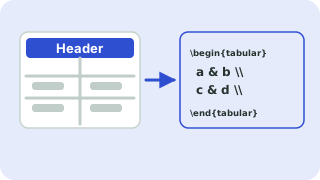 LaTeX Table GeneratorBuild a table in your browser and copy the LaTeX code
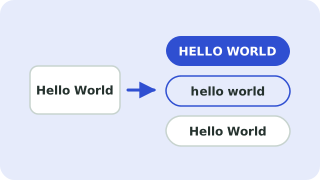 Case ConverterUPPERCASE, lowercase, Title Case, camelCase and more