Resize Image by 50%
Drop a photo to halve its dimensions.
Free · Runs in your browser · Your files are never uploaded
Leave 0 to keep the aspect ratio.
Your files are processed in your browser and are never uploaded.
Halving an image
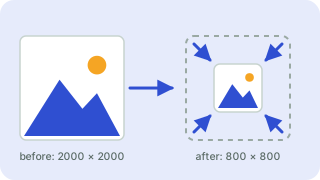
Scaling to 50% divides both width and height by two, so the file holds a quarter of the pixels and is often 60–75% smaller. It is a quick way to shrink photos for email or the web. Your photo is processed in your browser and is never uploaded.
Need a different percentage? Open the full image resizer and change the value.
Need more options? Open the full Image Resizer.
Related guides
Frequently asked questions
What does resizing by 50% do?
It halves the width and height, so the picture uses about a quarter of the pixels.
Does it keep the proportions?
Yes, both sides are scaled by the same percentage.
Is it uploaded?
No, it happens in your browser.
Related tools
- Image ResizerResize images to exact pixels or a percentage
- Instagram Post Resizer (1080×1080)Resize photos to 1080×1080
- Instagram Story Resizer (1080×1920)Resize photos to 1080×1920
- Facebook Cover Photo Resizer (820×312)Resize photos to 820×312
- YouTube Thumbnail Resizer (1280×720)Resize photos to 1280×720
- X (Twitter) Header Resizer (1500×500)Resize photos to 1500×500
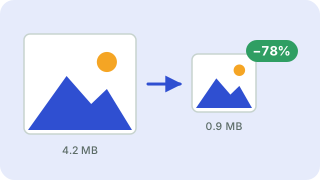 Image CompressorReduce image file size without uploading
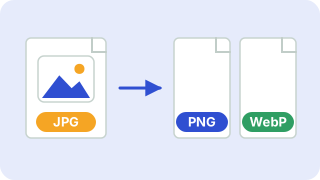 Image ConverterConvert between PNG, JPG and WebP