Resize Image to 800×600
Drop a photo to get it at exactly 800×600 pixels.
Free · Runs in your browser · Your files are never uploaded
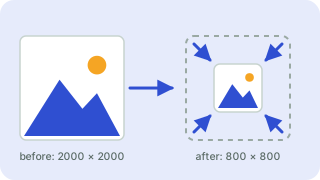
Your files are processed in your browser and are never uploaded.
Resize Image to 800×600
800×600 (4:3) is a classic size for forum posts, emails and older web pages.
Choose keep proportions if you want to avoid any cropping. Specifications change from time to time, so confirm important requirements on the official page. Your photo is processed in your browser and is never uploaded. The result is a JPG (800×600 px) ready to download.
Need more options? Open the full Image Resizer.
Related guides
Frequently asked questions
What size should it be?
This tool produces 800×600 pixels, the size commonly recommended for this use.
How do I resize without stretching?
Keep “Crop to fill exactly”. The picture is scaled and trimmed from the center instead of distorted.
Are my photos uploaded?
No. Resizing happens in your browser.
Related tools
- Image ResizerResize images to exact pixels or a percentage
- Instagram Post Resizer (1080×1080)Resize photos to 1080×1080
- Instagram Story Resizer (1080×1920)Resize photos to 1080×1920
- Facebook Cover Photo Resizer (820×312)Resize photos to 820×312
- YouTube Thumbnail Resizer (1280×720)Resize photos to 1280×720
- X (Twitter) Header Resizer (1500×500)Resize photos to 1500×500
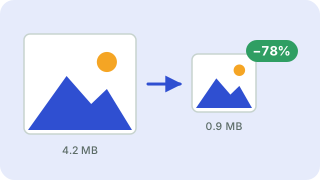 Image CompressorReduce image file size without uploading
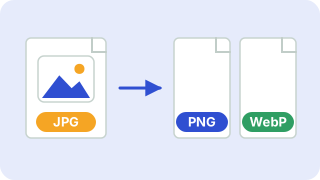 Image ConverterConvert between PNG, JPG and WebP