 InstantToolDeck
LinkedIn Profile Picture Resizer (400×400)
Drop a photo to get it at exactly 400×400 pixels.
Free · Runs in your browser · Your files are never uploaded
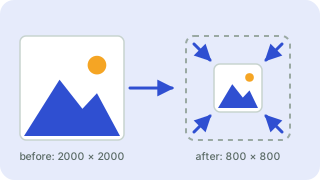
Your files are processed in your browser and are never uploaded.
LinkedIn Profile Picture Size
LinkedIn recommends a square profile picture of at least 400×400 pixels (up to 7,680×4,320) under 8 MB. The photo is shown in a circle, so keep your face centered.
Crop to fill makes a perfect square from any photo. Center your face before resizing for the best result. Platforms update their layouts from time to time, so check the platform’s current help page if you are designing something critical. Your photo is resized in your browser and is never uploaded, and the result is a JPG (400×400 px) that you can download right away.
Need more options? Open the full Image Resizer.
Frequently asked questions
What size is a linkedin profile picture?
400×400 pixels is the standard size used by this tool.
How do I resize without stretching?
Keep “Crop to fill exactly”. The picture is scaled and trimmed from the center instead of distorted.
Are my photos uploaded?
No. Everything is done in your browser.
Related tools
- Image ResizerResize images to exact pixels or a percentage
- Instagram Post Resizer (1080×1080)Resize photos to 1080×1080
- Instagram Story Resizer (1080×1920)Resize photos to 1080×1920
- Facebook Cover Photo Resizer (820×312)Resize photos to 820×312
- YouTube Thumbnail Resizer (1280×720)Resize photos to 1280×720
- X (Twitter) Header Resizer (1500×500)Resize photos to 1500×500
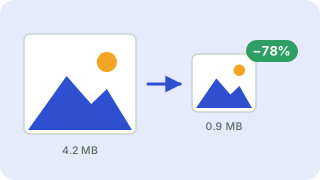 Image CompressorReduce image file size without uploading
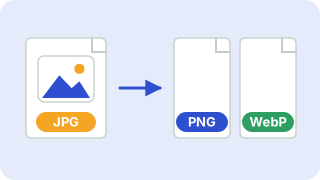 Image ConverterConvert between PNG, JPG and WebP