 InstantToolDeck
Text Cleaner
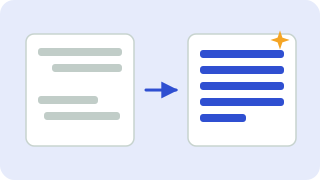
Fix text copied from PDFs, emails and web pages: collapse double spaces, remove stray line breaks and delete blank lines.
Free · Runs in your browser · Your text is never uploaded
When to use each option
- Collapse multiple spaces: turns runs of spaces and tabs into a single space.
- Trim lines: removes spaces at the start and end of every line.
- Remove empty lines or limit blank lines to one: tidy up spacing between paragraphs.
- Line breaks: text copied from PDFs often has a hard break at the end of every line. “Join lines, keep paragraphs” rebuilds proper paragraphs, while “Replace with a space” makes one continuous block.
All changes are applied in the order shown above and the result updates as you type.
Popular text cleaner presets
Frequently asked questions
How do I remove line breaks from text?
Set “Line breaks” to “Replace with a space” (one block) or “Join lines, keep paragraphs” (to keep paragraph gaps).
How do I remove double spaces?
Keep “Collapse multiple spaces into one” ticked. It also handles tabs and non-breaking spaces.
Why does text copied from a PDF have odd breaks?
PDFs store text as positioned lines, so each visual line becomes a hard line break when copied. Joining lines fixes it.
Is my text uploaded?
No. Cleaning happens in your browser.
Related tools
 Word CounterCount words, characters, sentences and reading time
 Remove Duplicate LinesDelete repeated lines from a list
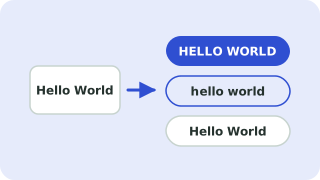 Case ConverterUPPERCASE, lowercase, Title Case, camelCase and more
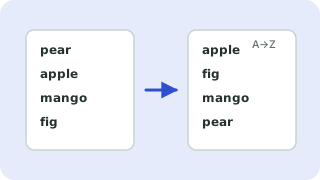 Sort LinesSort a list alphabetically, numerically or randomly
- Remove Line BreaksRemove line breaks from text
- Remove Extra SpacesRemove double and extra spaces
- Remove Empty LinesDelete blank lines from text